

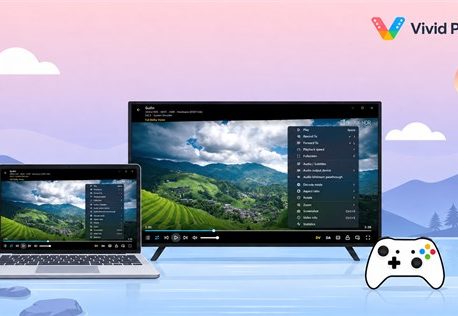

Watching a 4K HDR movie on a PC should be simple: open the file, switch to full screen, and enjoy. In reality, high-quality video playback can involve HDR compatibility, codecs, subtitles, audio formats, display capabilities, and network performance.
Choosing the right media player can therefore make a noticeable difference, especially if you regularly watch high-bitrate 4K or HDR content.
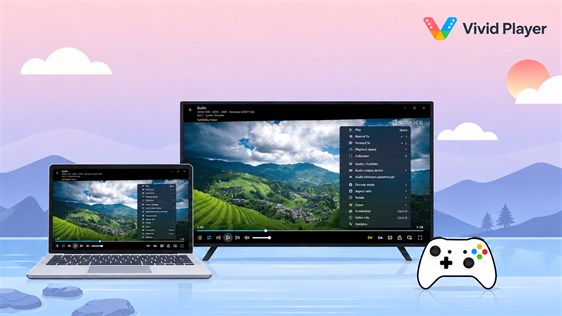
Vivid Player is one of the Windows media players built specifically with these modern playback requirements in mind.
Make Sure Your HDR Setup Works Together
A good HDR experience depends on more than the video file itself. Your graphics hardware, Windows settings, monitor, and video player all need to work together.
Vivid Player supports popular HDR formats such as HDR10, HDR10+, Dolby Vision, HLG, and HDR Vivid. This gives users greater flexibility when their movie collection contains content from different sources.
The benefit becomes more noticeable as a media library grows. Instead of having one player for standard videos and another solution for certain HDR files, users can keep more of their viewing within the same environment.
Build a Better Home Media Setup
Many PC users no longer store every movie on the computer they use for playback. Large 4K files can quickly consume storage space, so NAS devices and home media servers have become popular alternatives.
Vivid Player can fit into this type of setup by supporting local files as well as network-based media sources.
This can be useful if you have a desktop connected to a large HDR monitor or television while your actual movie collection is stored elsewhere on the network. It creates a cleaner setup and makes large media libraries easier to manage.
Don’t Forget High Quality Audio
If you are investing in 4K HDR video, it makes sense to consider sound quality as well.
Movies increasingly use advanced surround-sound formats, and Vivid Player supports technologies including Dolby Atmos, Dolby TrueHD, and DTS-HD Master Audio. With compatible speakers or home theater equipment, these formats can provide a much more immersive experience than ordinary stereo sound.
Of course, the final result still depends on your hardware configuration and the audio tracks contained in the source file.
Choosing a Vivid Player License
Before activating the software, check the available license types and whether they meet your device and regional requirements.
Users comparing digital activation options may encounter Vivid Player CD Key listings on z2u.com alongside other software-related digital products. If you choose a third-party marketplace, compare the listing information carefully, including activation instructions, region restrictions, seller ratings, and recent customer feedback.
Keeping those details in mind is more important than simply choosing the lowest advertised price.
Who Benefits Most From Vivid Player?
Vivid Player is particularly relevant to people who frequently watch 4K HDR movies, maintain Blu-ray or high-bitrate digital collections, use NAS storage, or have home theater audio equipment.
For these users, features such as HDR format support, tone mapping, advanced audio compatibility, and network playback can contribute to a smoother overall experience.
The best media player ultimately depends on your particular setup. If your Windows PC is becoming the center of a 4K home entertainment system, Vivid Player is one of the options worth exploring when building a more capable HDR playback environment.